Dental Case Study
Dental Marketing Case Study: Improving Patient Acquisition With SEO and AI Automation
How local SEO, better-organized ads, and automated follow-up could help a busy general practice turn more new-patient inquiries into booked exams.
This is a hypothetical scenario, not a verified client engagement. The clinic, location, and every figure on this page are illustrative and shown only to demonstrate our approach.
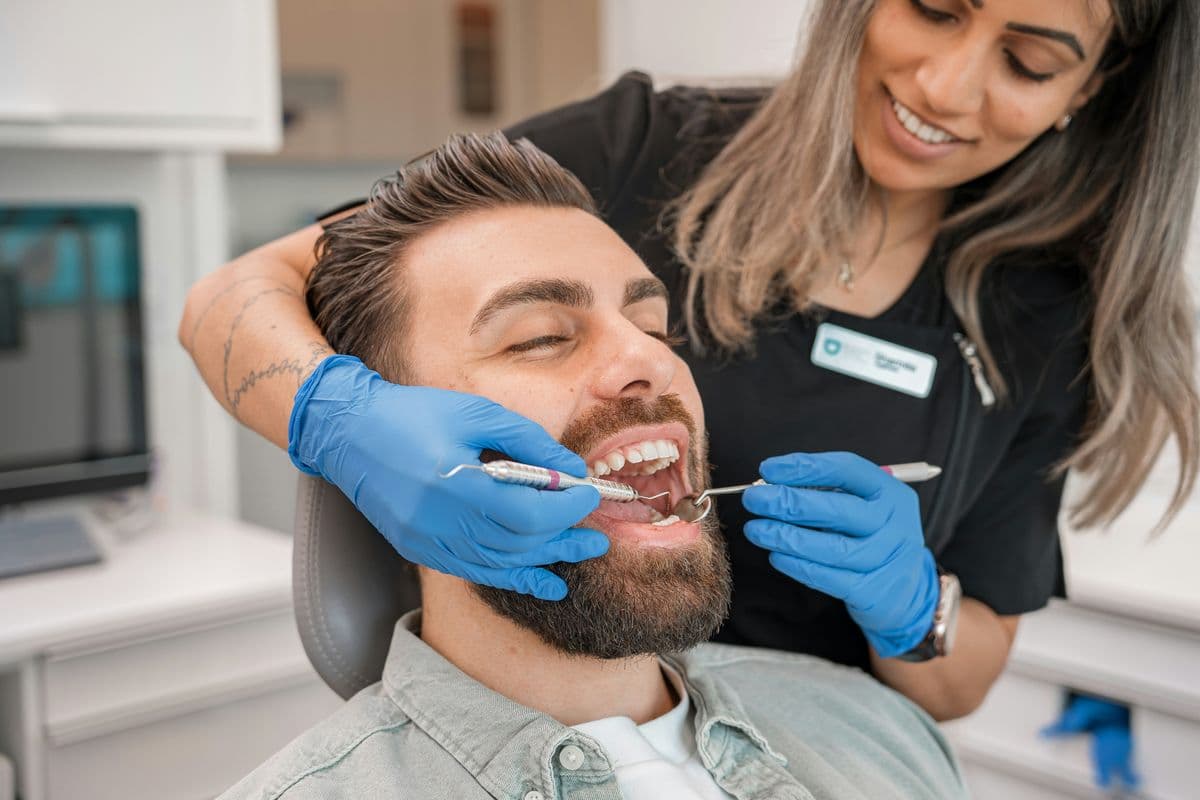
Client profile
- Business type
- Independent general dental practice
- Location (illustrative)
- Mississauga, Ontario
- Clinic size
- Three dentists and seven support staff
- Project duration (illustrative)
- 6 months
- Services
- General dentistry, hygiene appointments, crowns, teeth whitening, and new-patient examinations
Business context & original challenge
The dental practice received inquiries through its website and Google Ads, but too many prospective patients failed to complete the booking process.
The reception team was occupied with phone calls, appointment changes, insurance questions, and existing patients. New inquiries submitted outside business hours could wait until the next working day for a response.
The clinic also had opportunities to improve its local search visibility for new-patient examinations and general dentistry services.
Project objectives
- Increase qualified new-patient inquiries from local search and Google Ads.
- Respond to every inquiry promptly, including after hours.
- Reduce the reception team's manual follow-up workload.
- Attribute booked appointments to the channel that produced them.
Services & strategy implemented
Marketing & measurement
- Local SEO and Google Business Profile optimization
- Service-specific landing pages
- Google Ads campaign organization
- Appointment inquiry tracking and marketing attribution
Automation
- AI-assisted inquiry acknowledgments
- Staff notifications and follow-up tasks
- Missed-call follow-up workflows
Implementation timeline
How a 6-month engagement like this would typically run. This is a planning template, not a record of a real project.
Month 1
Audit and baseline
- Review website performance.
- Audit local SEO and advertising.
- Document current inquiry handling.
- Establish baseline measurements.
Month 2
Strategy and implementation
- Improve key landing pages.
- Implement tracking.
- Configure initial automation workflows.
Month 3
Launch and testing
- Launch or refine campaigns.
- Test lead routing and notifications.
- Review conversion events.
Month 4
Optimization
- Improve landing pages and campaign targeting.
- Review lead quality and follow-up performance.
- Correct workflow issues.
Month 5
Refinement
- Optimize campaigns based on available data.
- Review booking conversion performance.
- Improve operational processes.
Month 6
Evaluation
- Compare results with the established baseline.
- Document changes and limitations.
- Create recommendations for continued improvement.
Results & performance metrics
- Illustrative sample data
+38%
Qualified monthly inquiries
- Illustrative sample data
−21%
Cost per qualified lead
- Illustrative sample data
+12 pts
Inquiry-to-booking conversion rate
percentage points
- Illustrative sample data
−30%
Administrative follow-up time
Hypothetical figures for demonstration — not measured client results. “pts” means percentage points: an absolute change in a rate (for example, 20% → 32% is +12 pts). Percentages without “pts” are relative changes.
Analytics
Qualified inquiries
View the data as a table
| Period | Qualified inquiries |
|---|---|
| Month 1 | 42 |
| Month 2 | 46 |
| Month 3 | 51 |
| Month 4 | 55 |
| Month 5 | 59 |
| Month 6 | 58 |
The proposed system connects local SEO, paid advertising, and consistent inquiry follow-up. It provides a clearer way to evaluate which marketing activities contribute to appointment requests and where administrative time can be saved.
Marketing & automation workflow
What happens automatically between a patient reaching out and a booked appointment.
Website inquiry or missed call
A prospective patient fills in a form, or a call goes unanswered.
Inquiry captured
Their contact details and the service they asked about are logged.
Automated acknowledgment
They get a prompt reply confirming the clinic will be in touch.
Staff notified
The right team member is alerted, based on the service requested.
Follow-up task created
A reminder is set so no inquiry is left waiting.
Booking status updated
Booked, pending, or not booked — every inquiry has a status.
Performance report updated
The monthly report shows which channels lead to bookings.
- Automation supports administrative work and staff follow-up only. It never diagnoses, decides whether a treatment is suitable, or gives clinical advice — those decisions stay with your clinicians.
- Messages go only to people who asked to be contacted, and respect their communication preferences.
- No health information is sent to AI tools or advertising platforms, and these demonstrations use no patient data.
Project observations
Client testimonial pending approval.
- After-hours inquiries are where a busy front desk loses the most ground. An instant acknowledgment holds the patient's attention until staff can respond.
- Separating new-patient exam campaigns from cosmetic services like whitening makes cost per lead easier to read.
- Tracking from first click to booked exam shows which keywords bring patients, not just clicks.
Key takeaways
- Response speed matters most for new-patient inquiries that arrive outside business hours.
- Landing pages built around a single service give searchers a clearer next step than a general homepage.
- Attribution turns ad spend decisions from guesswork into a monthly review.
Related case studies
Optometry
Optometry SEO, local patient acquisition, appointment requests, and workflow automation.
View case studyMed Spas
Aesthetic clinic marketing, qualified consultation leads, and AI-assisted lead management.
View case studyPhysiotherapy
Physiotherapy SEO, patient lead generation, conversion optimization, and inquiry automation.
View case study